
MyFitnessPal navigation and product improvements
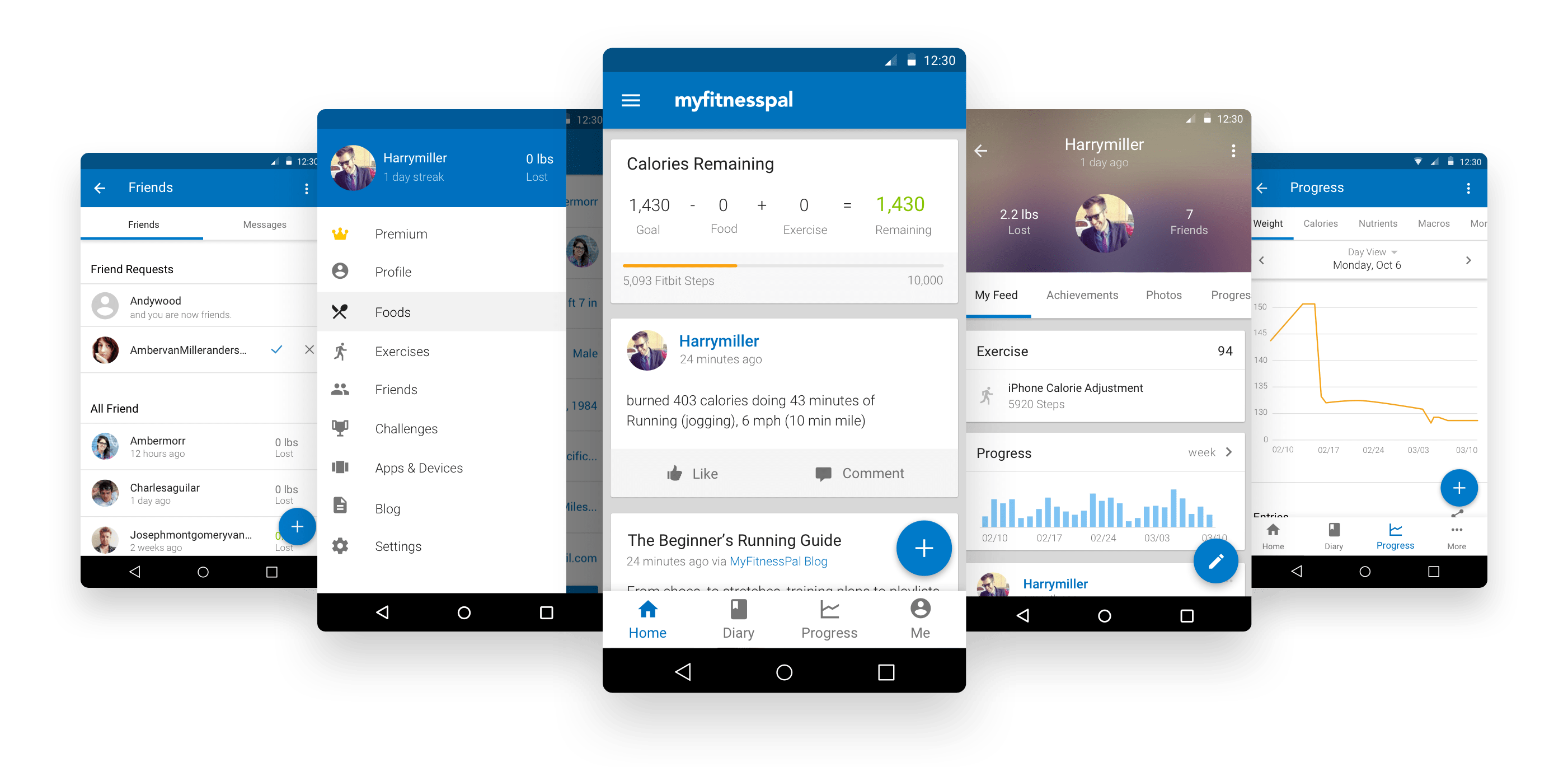
Overview
I helped simplify MyFitnessPal’s information architecture and introduce bottom navigation so people could reach core areas in one tap.
I also worked on consistency across web and mobile, including onboarding, search-facing and App Store pages, iOS improvements, and Android updates aligned with Material Design.
Client
MyFitnessPal is a health app that helps users understand their eating habits and make smarter food choices to motivate and meet their goals. Customer: Anyone who wants to track their progress toward reaching their nutrition, water, fitness, and weight loss goals.
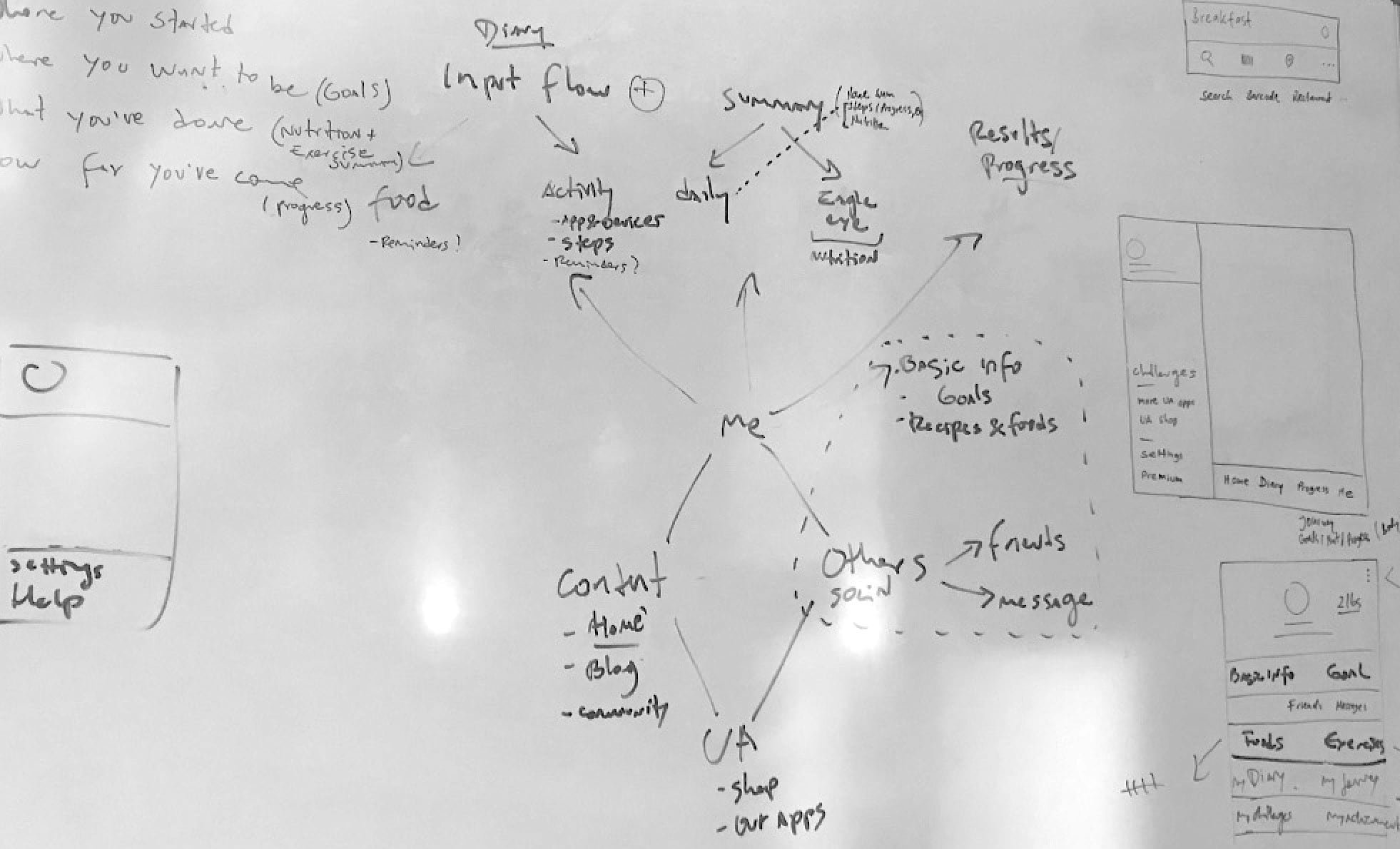
Initial brainstorming sessions for navigation IA
Problem
People needed to move between core areas without hunting through menus or losing their place. The existing navigation made those top-level destinations harder to find and added steps to common tasks. We needed a clearer structure that worked across the app.
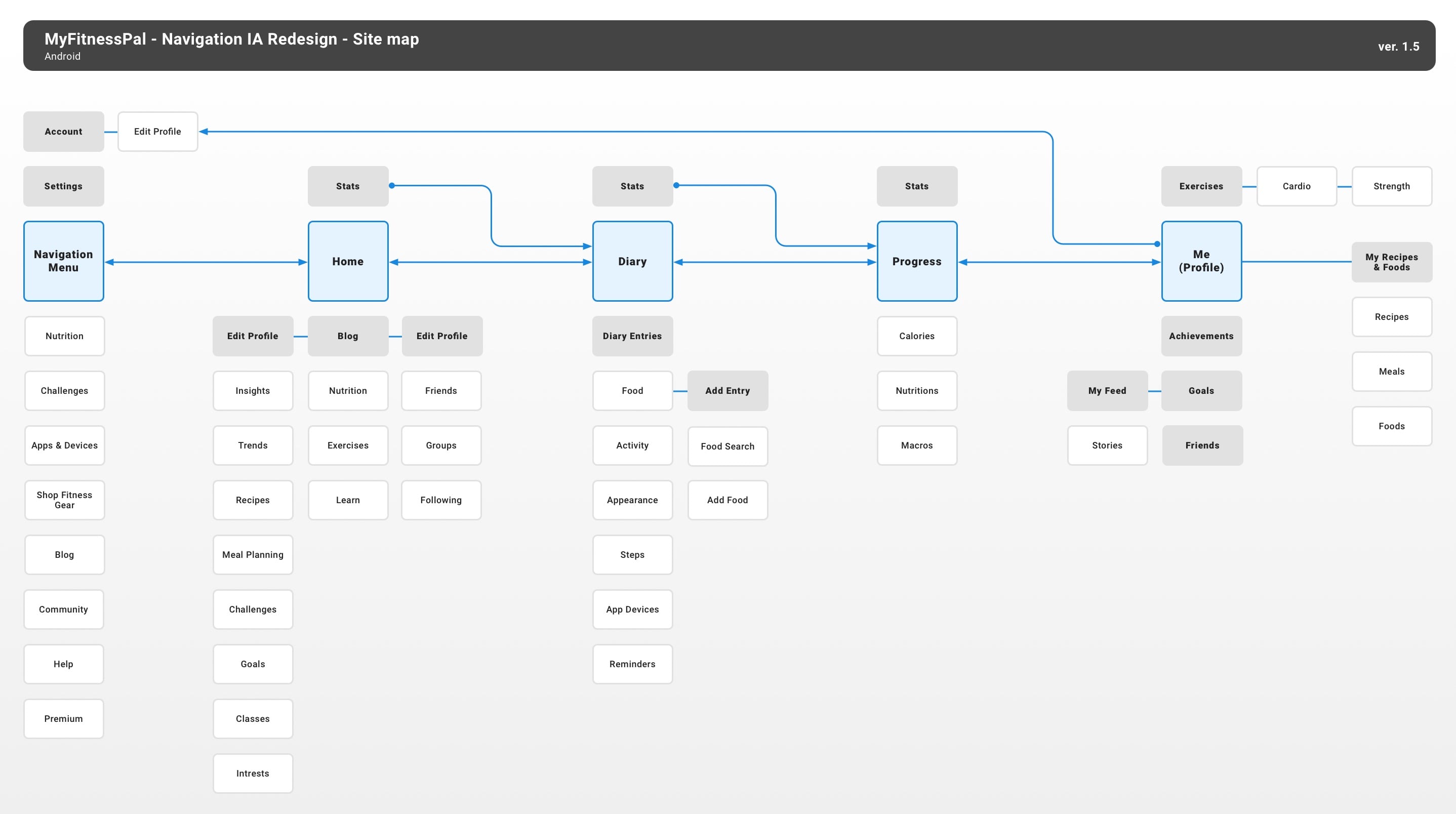
Navigation IA site map overview
User insights and feedback revealed the following:
- Our navigation was inefficient and complex.
- Existing user confusion over primary sections of the product.
- Most essential destinations should become self-evident.
- Benefit from native experience and incorporate material google patterns.
- Ensure and explore ads integration, and promote user profiles and premium.
- Consolidate the navigation menu and remove unnecessary items.
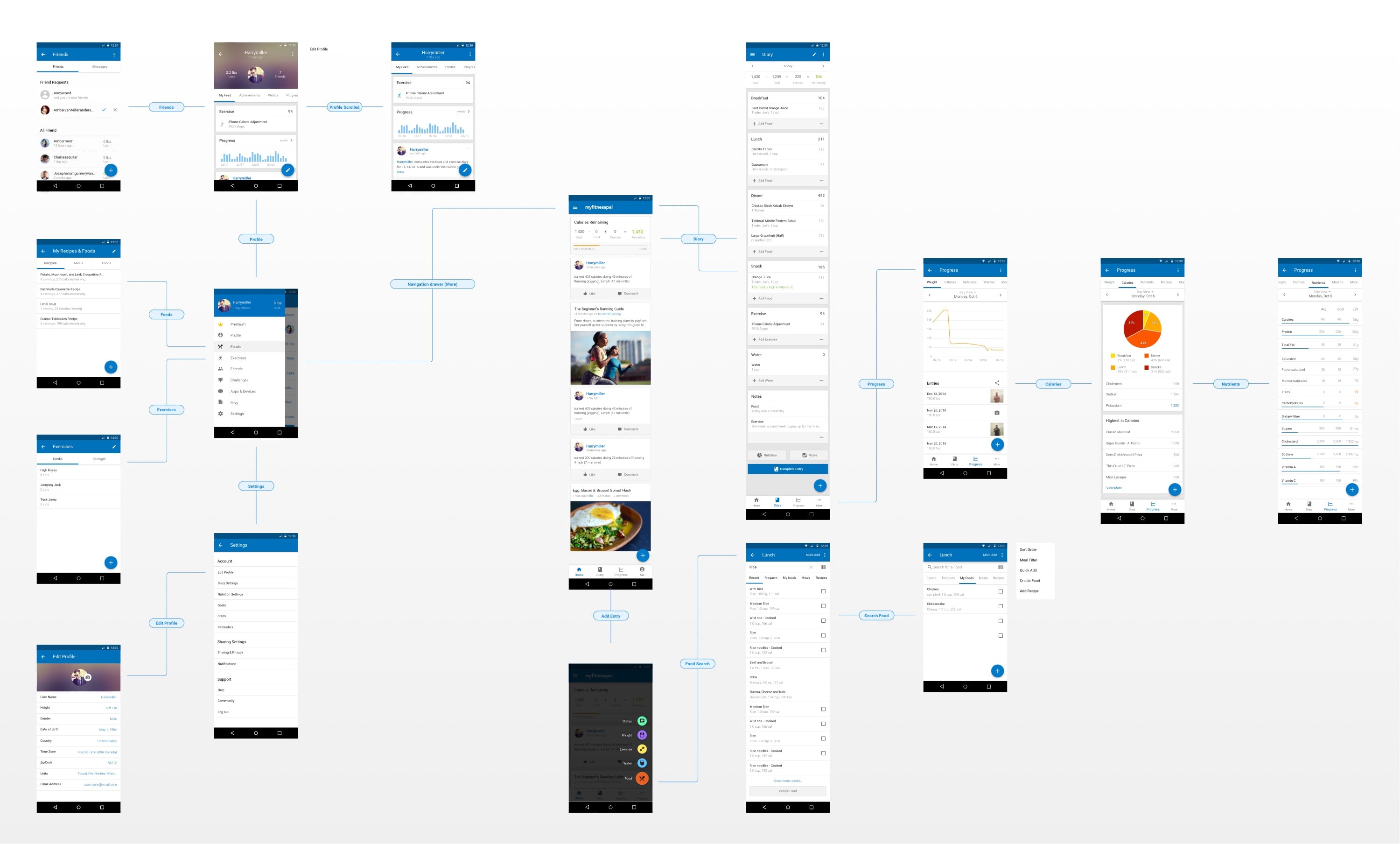
High-level views user journey map
Solution
I helped reorganize the app around four primary destinations: Home, Diary, Progress, and Me. A bottom navigation bar made each one reachable in a single tap. We moved secondary links to more appropriate places, consolidated personal tools under Me, and refined icons, type, spacing, and color for consistency.
How we decided
We reviewed user feedback and Google Play team input, then compared placement and icon options. The final hierarchy kept primary destinations persistent while leaving screen-specific tools close to their content.
Silent MyFitnessPal phone prototype showing the profile area and bottom navigation.
Transition in Navbar when Scrolled
Result
The new bottom navigation made top-level areas reachable in one tap. We launched the information architecture changes in phases to reduce disruption for a large user base and gather insight before expanding the redesign.